  |
|
The Nixie Tube Propeller Clock has spun
times since midnight!
|
|
||||||||
| Nori Clock | ||||||||
|
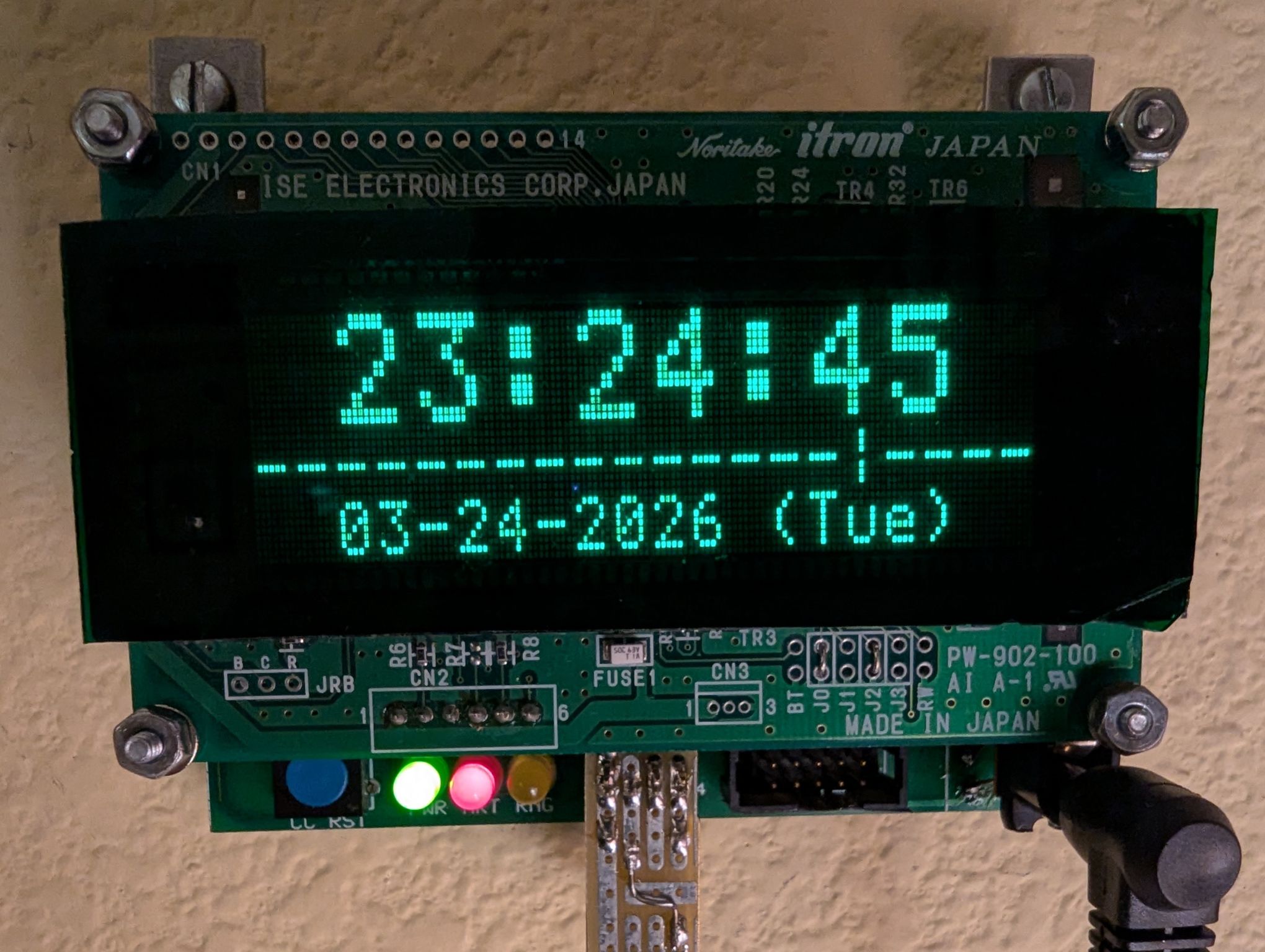
Nori Clock, a.k.a. PCMF RevivalAs it was mentioned in the page describing the Phone Call Monitor project, that device became obsolete due to the fact that the telephone lines it was monitoring were all disconnected - alas, the cellular revolution... However, the hardware is still fully functional, and the warm green glow of the vacuum fluorescent display kept calling out to me, so I decided to turn this gadget into a clock - a rather predictable choice, considering that no other use cases came to my mind. In case it is not blatantly obvious, the name is an allusion to the Noritake Itron brand of the VFD. FeaturesThe clock implements all the features a contemporary digital desk clock should have:
For the above, the following configuration options are available:
In addition, the clock implements these display modes:
In setting mode, the clock always uses the normal bright display. The details of pixel health are shared with the interested reader in the Display Matters section. Since the original Phone Call Monitor only had one button (to reset the call counts), the Nori Clock also have to make do with a single-button interface. Two kinds of button presses are recognized, with the functions below:
Just like for the Nixie Tube Propeller Clock, the clockwork is frozen upon boot or when the seconds were adjusted; after exiting setting mode, a short button press starts the clock again at the top of the second. Project DetailsThe following pages take a deeper dive into the technical details:
|
|||||||
|

